Publishing and Polling
To be able to export data from all the points discovered on BACnet networks or connected Modbus devices, they need to be published to the Bueno platform as Data Streams and then have polling enabled.
Publishing Data Streams
Publishing points to the Bueno platform is relatively easy. Simply navigate to the Summary page and run the Publish Data Streams task found under Model in the Discovery & Management subsection.
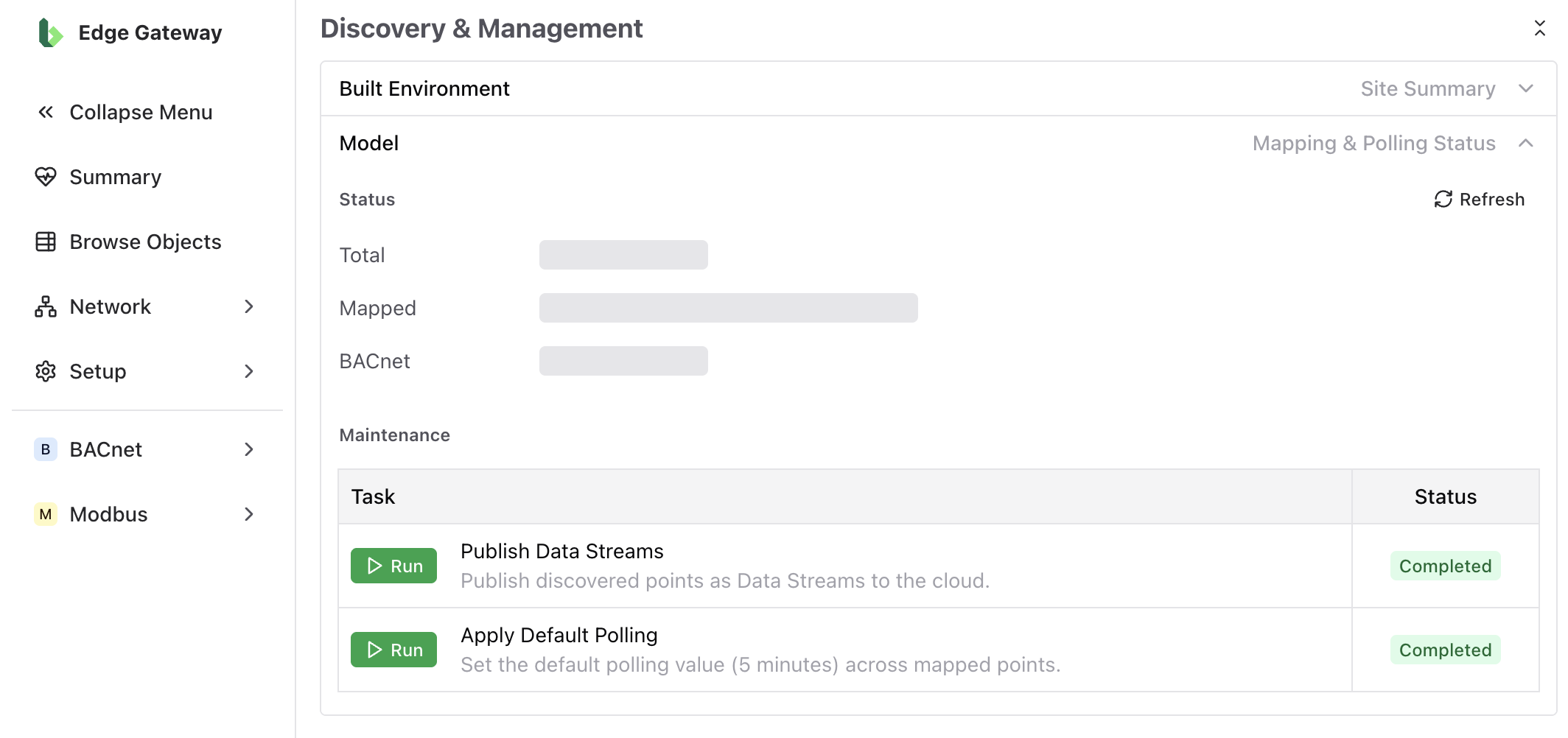
A dialogue box will open from which you can queue a Publish All Streams job by selecting Run New Job. Once you have queued the job, the BEG software will begin executing the task, the status of which you can see in the dialogue under Previous Jobs. It may take some time for the job to complete, so feel free to close the dialogue, you can always return at any time to check on its status.
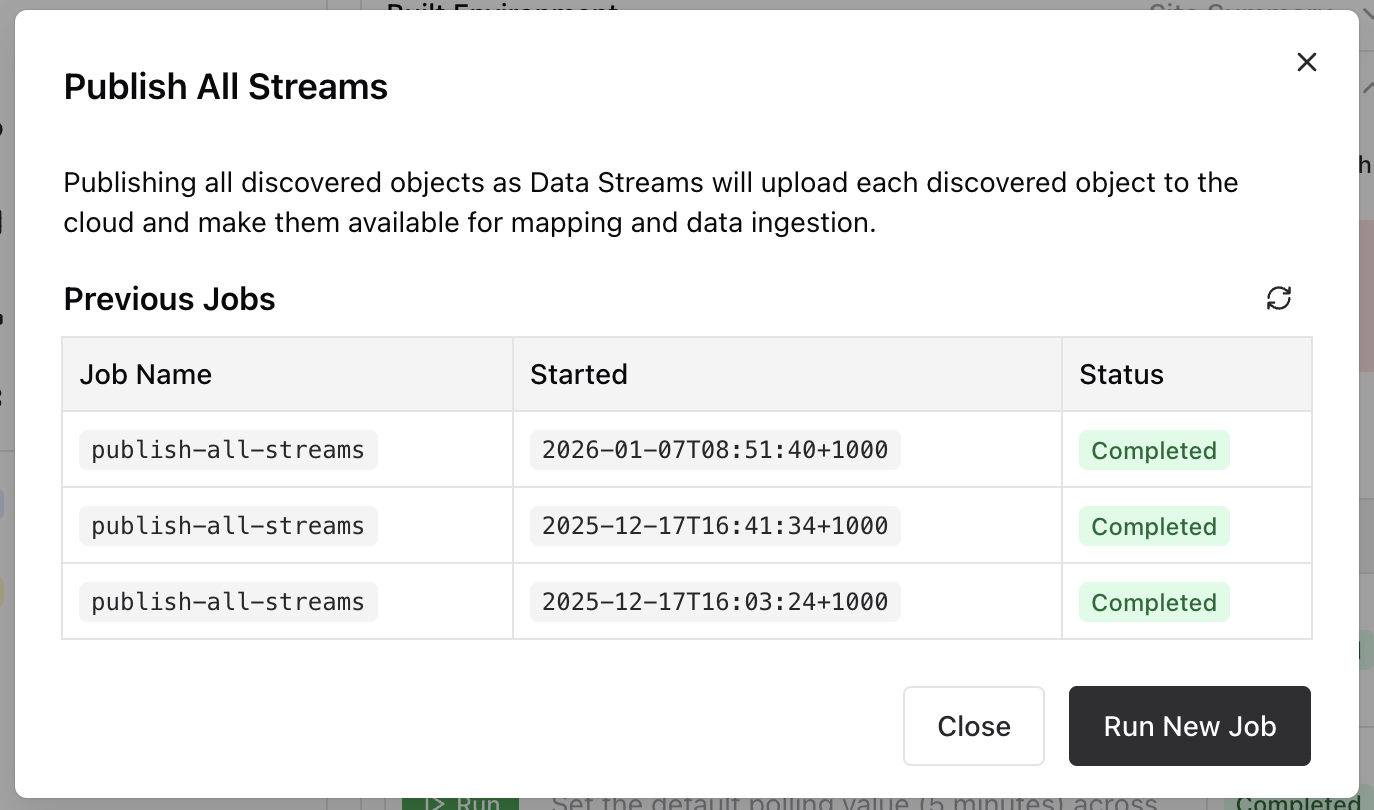
When run successfully, the Publish All Streams job will create a Data Stream in the Bueno platform for any BACnet point that has been discovered, as well as all the registries of any connected Modbus device. BACnet and Modbus Data Streams will be created in the Integrations in the Bueno platform corresponding to the BACnet and Modbus Cloud Connections respectively. A Cloud Connection must be configured for the points of a given type (Modbus or BACnet) in order for them to be published. (E.g. if you have configured a BACnet Cloud Connection but not a Modbus one, only the BACnet points will be published.)
Applying Polling
Once published to the Bueno platform, polling can be applied to start collecting data from the published points and writing it to the Bueno platform. To do so, run the Apply Default Polling task (found under Model in the Discovery & Management subsection on the Summary page). As with publishing data streams, a dialogue will open that will allow you to queue a new Apply Default Polling Settings job.
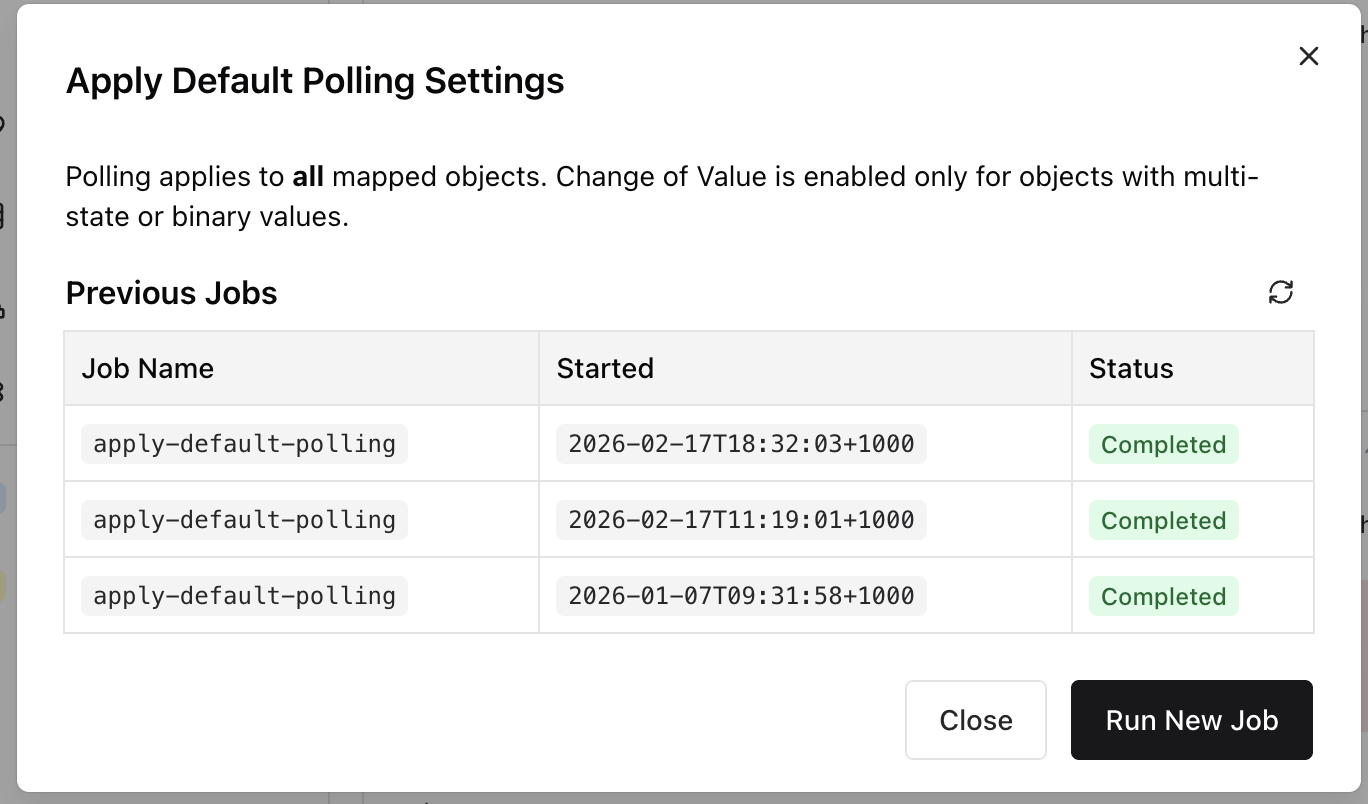
Running this job will set polling at a 5 minute interval for all the points that have been published as Data Streams to the Bueno platform and which correspond to mapped Data Streams within the platform. Note that simply publishing a point to the platform is not enough to ensure it will be polled. The point must correspond to a mapped Data Stream. If any of these points are a binary (e.g. true/false) or multi-state (e.g. start/stopped/running) point, then they will be polled as "change of value" (COV) points.
What Is a Mapped Data Stream
A mapped Data Stream is a Data Stream published from the BEG which has been mapped to a Point in the Bueno platform (different to a point within the BEG). Mapping Data Streams to Points is part of the deployment process in the Bueno platform. You can find information on mapping Data Streams in the Deployment documentation of the Bueno platform, or via your Bueno Customer Success representative.
Because polling in the BEG is applied to points with mapped Data Streams only, it typically makes sense to publish the points as Data Streams, execute the remainder of the deployment process in the Bueno platform to get those Data Streams mapped, then return to the BEG and apply the polling settings.